
You get an email. It looks exactly like something from Chase, or Apple, or your electric company. The logo is right. The colors are right. It says there’s a problem with your account and you need to click a link right now to fix it.
Before you click anything, there’s one quick thing you can do that might save you a lot of trouble: look at the actual sending email address the email was sent from. Not the sender name – the sending email address behind the name.
Why the “FROM” Name Means Nothing
Here’s something most people don’t realize: anyone can set the display name on an email to say whatever they want. A scammer can send you an email and make it appear to be from “Chase Bank” or “Apple Support” in your inbox — while the real sending address is something completely different and suspicious.

This trick is called spoofing, and it’s one of the most common tools scammers use. The display name you see is just a label they typed in. The actual email address hiding underneath it is where the truth lives.
For example, imagine you get an email that looks like it’s from Chase. The name in your inbox says “Chase Bank Security.” But when you tap that name to reveal the full address, you see something like this:
Sending address: alerts@yourchase.xyz.com
Notice that address — it has the word “chase” in it, which is meant to fool you. But the real Chase Bank sends email from chase.com, full stop. Anything else is a red flag. Scammers buy these lookalike domain names on purpose. They count on you not looking closely.
How to Check the Real Address in Apple Mail
The good news is that Apple Mail makes it easy to peek behind the curtain.
On iPhone or iPad:
- Open the email.
- Tap the sender’s name at the top of the message — the one that appears next to “From.”
- A small pop-up will appear showing the full email address. That’s the real one.
On Mac:
- Open the email.
- Hover your mouse over the sender’s name in the header area.
- A small arrow will appear — click it and select “Show From.” The full address will appear.
A real email from Chase will come from something ending in @chase.com. A real Apple email ends in @apple.com. If the address ends in anything else — especially something with extra words, hyphens, or odd extensions like .xyz or .info — treat it as suspicious.
When In Doubt, Don’t Click
Even if the email address looks reasonable, it’s always safer to go directly to the company’s website by typing the address yourself in your browser, rather than clicking any link in an email. Real banks and companies will never penalize you for taking a moment to verify.
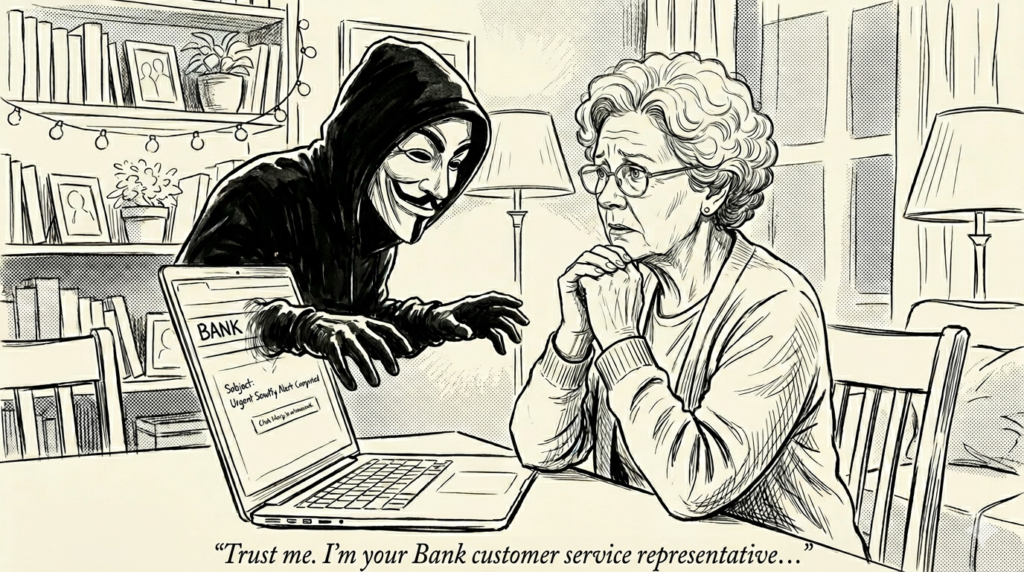
Scammers win by creating panic and urgency. Slowing down for ten seconds — and checking that sender address — is often all it takes to spot the trap before you fall into it.
Share this with someone who could use it. The best defense against scams is a well-informed friend or family member.